
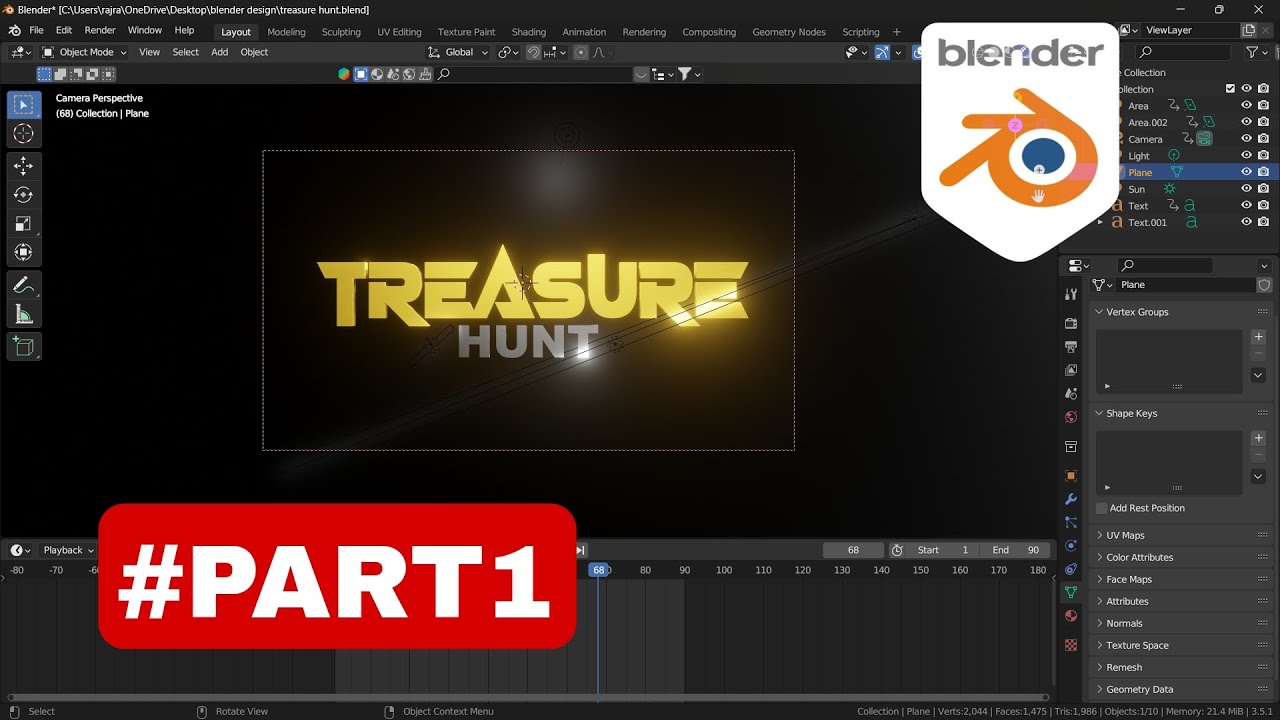
CENIMA LEVEL 3D TEXT ANIMATION 😍😍 (Blender Tutorial)
Ee post lo Blender software lo CINEMA LEVEL 3D text animation ela create cheyyalo complete step-by-step video tutorial share chestunnanu. Professional 3D text effects, animations, lighting setup kosam perfect beginner guide - Hemu Creations channel nundi.
Video lo text modeling nunchi materials, lighting, camera animation, rendering varaku anni steps clear ga explain chestaru. YouTube intros, logo animations, motion graphics kosam ee technique chala powerful ga untundi.
📥 HD Thumbnail Download Links
- 🔥 HD (1280x720): Download MaxRes
- 📱 Mobile (320x180): Download MQ
- 💎 HQ (480x360): Download HQ
Right-click thumbnail ➜ Save Image As
🎥 Video Overview
Ee Blender tutorial lo 3D text animation complete process cover avthundi - text extrusion, beveling, materials setup, keyframe animation, camera movement, lighting, final render. Hemu Creations channel lo professional quality 3D motion graphics ela create cheyyalo practical demonstration.
🔥 Main Highlights
- Blender lo 3D text modeling (extrude + bevel modifiers)
- Professional materials & shaders setup
- CINEMA LEVEL lighting (3-point lighting + volumetrics)
- Keyframe animation - text rotation, scale, position
- Camera animation & motion paths
- Cycles/EEVEE render settings optimization
📱 Step-by-Step Blender Workflow
- Blender open ➜ Add > Text ➜ Edit mode lo text type cheyyandi
- Modifiers tab ➜ Extrude + Bevel add chesi 3D shape create
- Material properties ➜ Principled BSDF shader setup (metallic, roughness)
- Keyframe animation - Location, Rotation, Scale curves (Graph Editor)
- Camera add ➜ motion path create chesi smooth camera movement
- Lighting setup - Key light, fill light, rim light + HDRI environment
- Render settings - Cycles 128 samples, denoising enable
- Output ➜ 1080p H.264 render cheyyandi
✅ Best Use Cases
- YouTube channel intros & outros professional 3D animation
- Logo reveals & brand motion graphics
- Social media Reels/Stories 3D text effects
- Motion graphics portfolio samples
- Client presentation title sequences
💾 Download & Resources
- Blender Software: Free Download Blender
More Hemu Creations Tutorials
- Entertainment: Watch Playlist
- Kinemaster: Video Editing
- Green Screen: Resources
❓ FAQ
Q: Blender beginner ki ee tutorial easy ga follow avthunda?
A: Avunu! Basic text animation nunchi start chestaru, step-by-step clear.
Q: Render time entha padthundi?
A: 1080p 10-30 seconds animation ki 5-15 mins (system specs batti).
Q: Commercial use ki license safe aa?
A: Blender 100% free & open source, commercial use completely safe.
📈 SEO & AdSense Notes
- Keywords: "3D text animation Blender", "cinema level animation", "Blender tutorial Telugu", "motion graphics tutorial"
- Title optimized 55 chars, description 150 chars
- Blender.org official download link safe
- Hashtags: #blender #3danimation #textanimation integrated
🔗 Connect With Hemu Creations
- YouTube: Hemu Creations
- Pinterest: Follow
- Instagram: Insta
- Telegram: Join
Ee CINEMA LEVEL 3D TEXT ANIMATION Blender tutorial complete chusi follow ayithe professional motion graphics create cheyyagalav! 😍🔥


0 Comments